Car controls explained
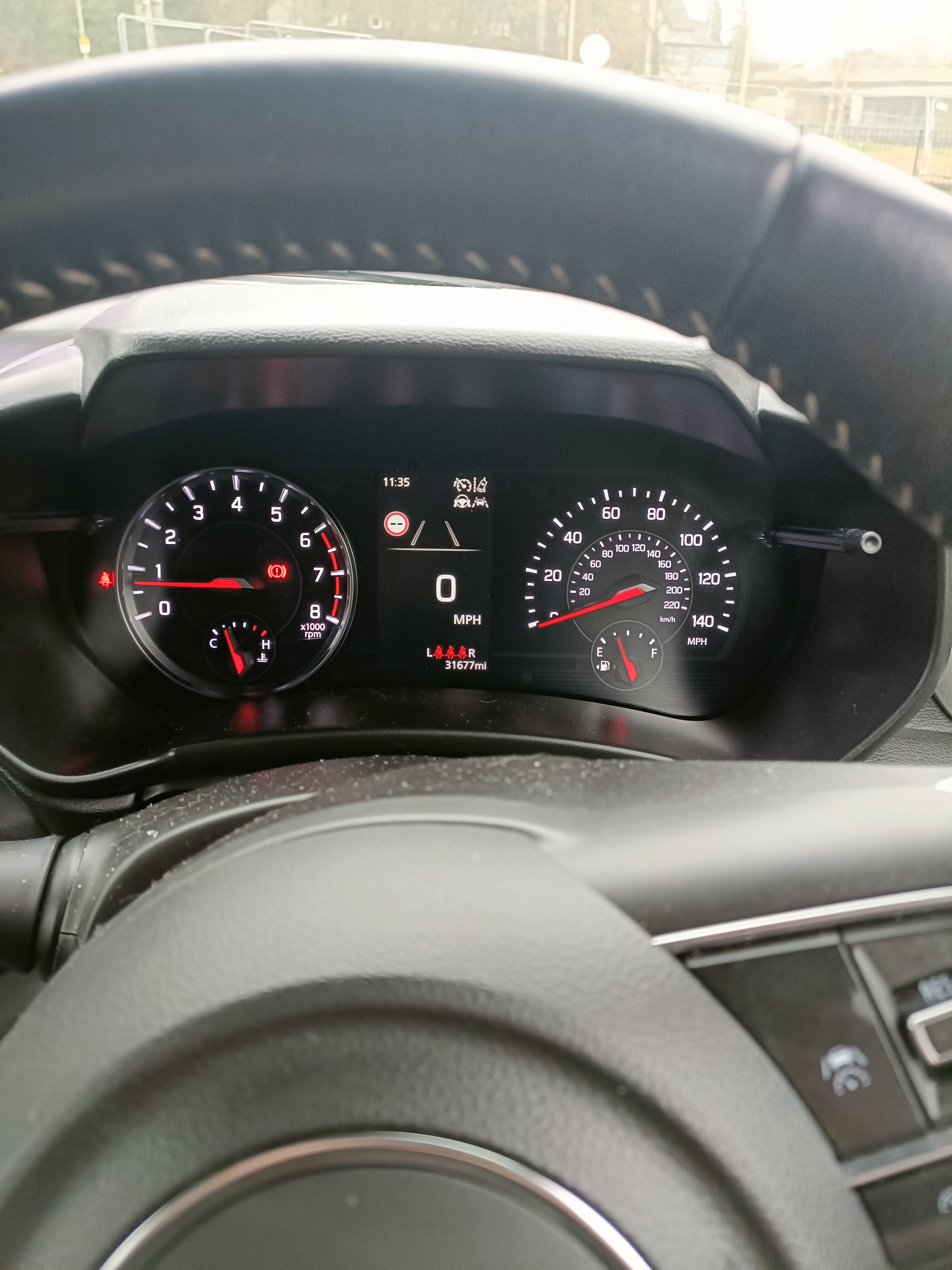
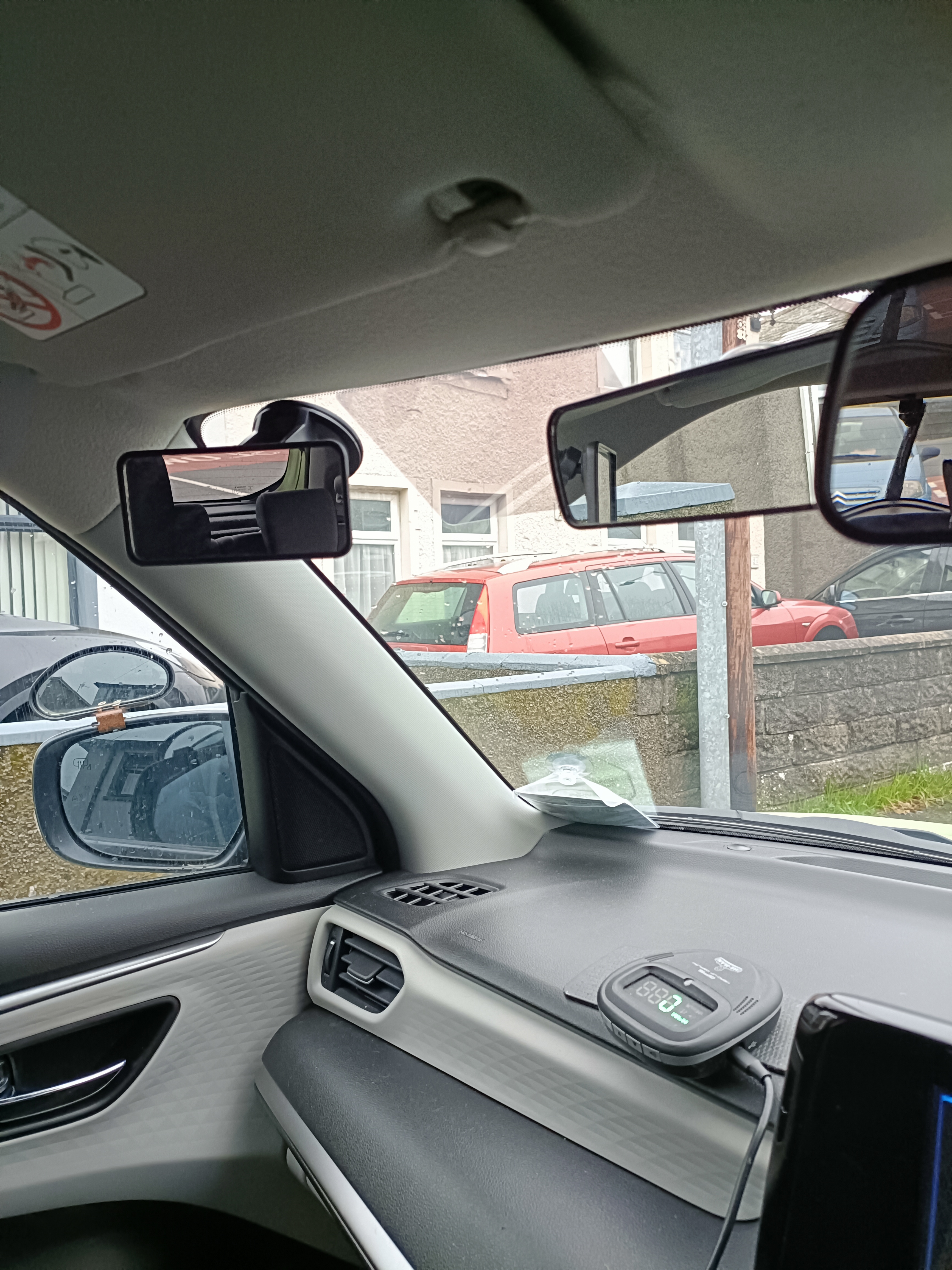
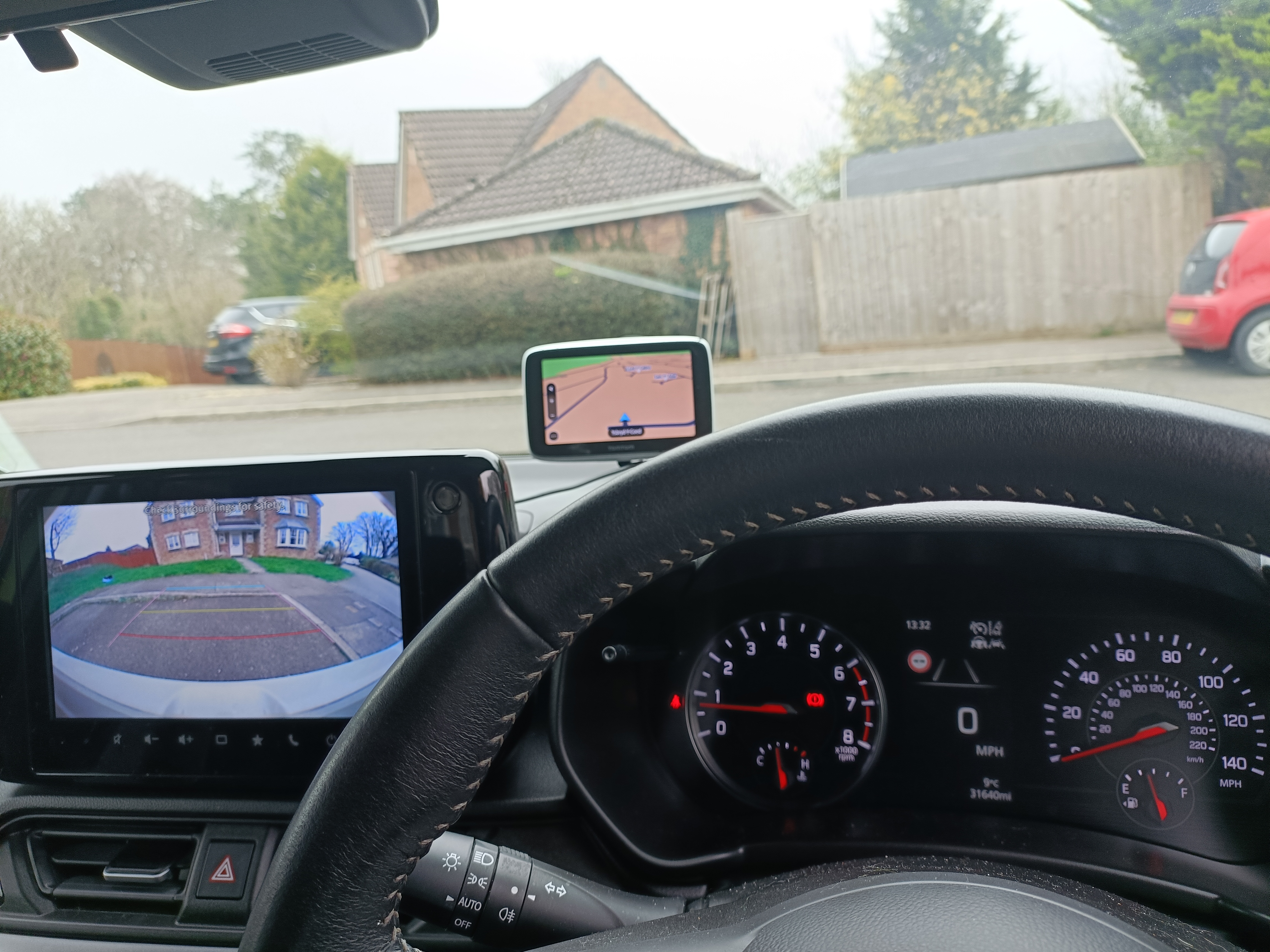
Understanding the basic controls of the car is an essential part of learning to drive. This guide explains the key controls you’ll use during lessons and on your driving test. All photos on this page were taken inside the Driving Safe School of Motoring training vehicle to give you a clear and accurate view of what to expect.
1. The cockpit drill (D.S.S.S.M.)
Before starting the engine, you’ll complete the cockpit drill. This ensures the car is set up safely and comfortably for you.
Doors – Check all doors are properly closed.
Seat – Adjust your seat so you can reach the pedals comfortably.
Steering – Adjust the steering wheel if needed.
Seatbelt – Put your seatbelt on and check passengers are secure.
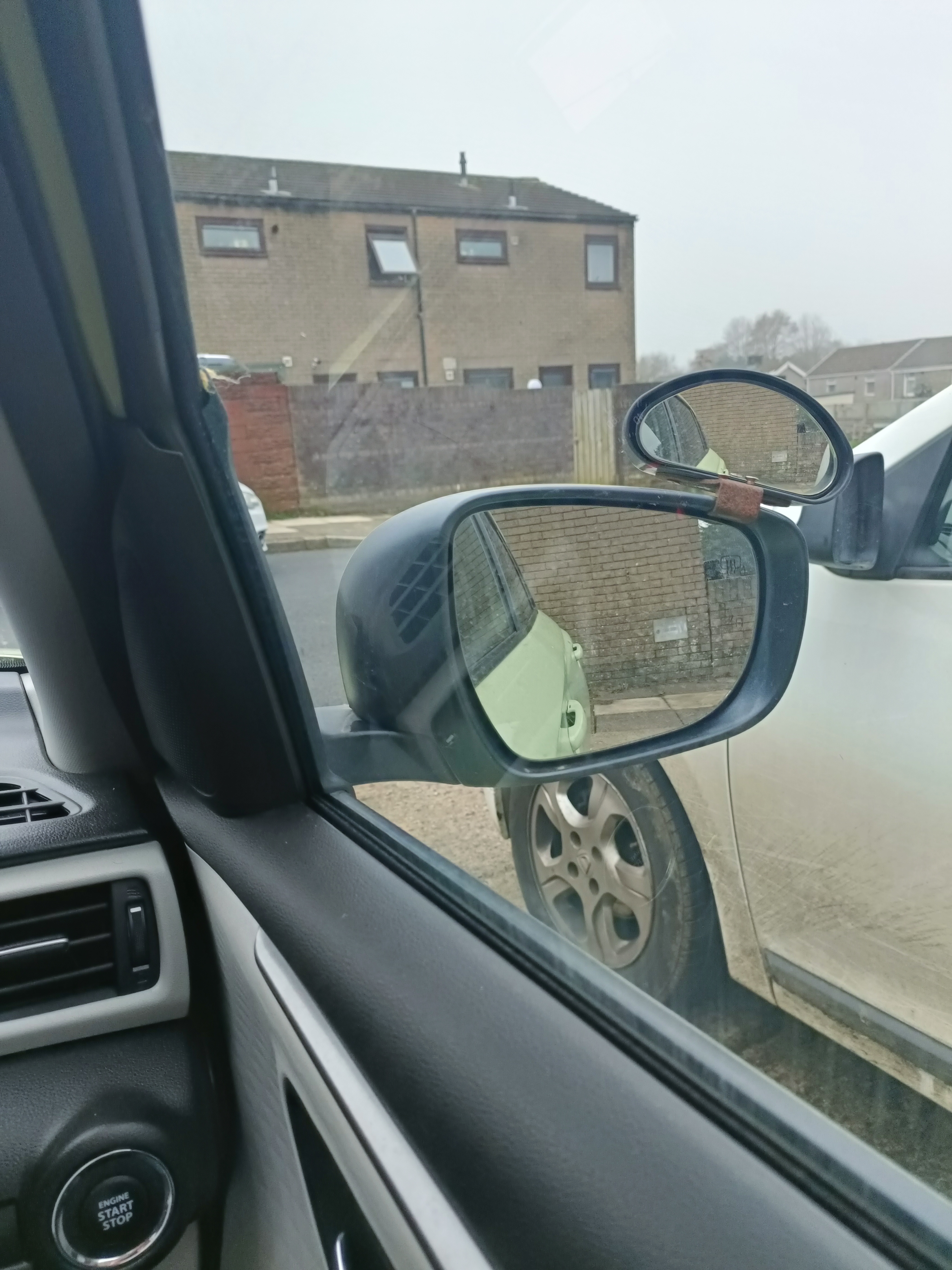
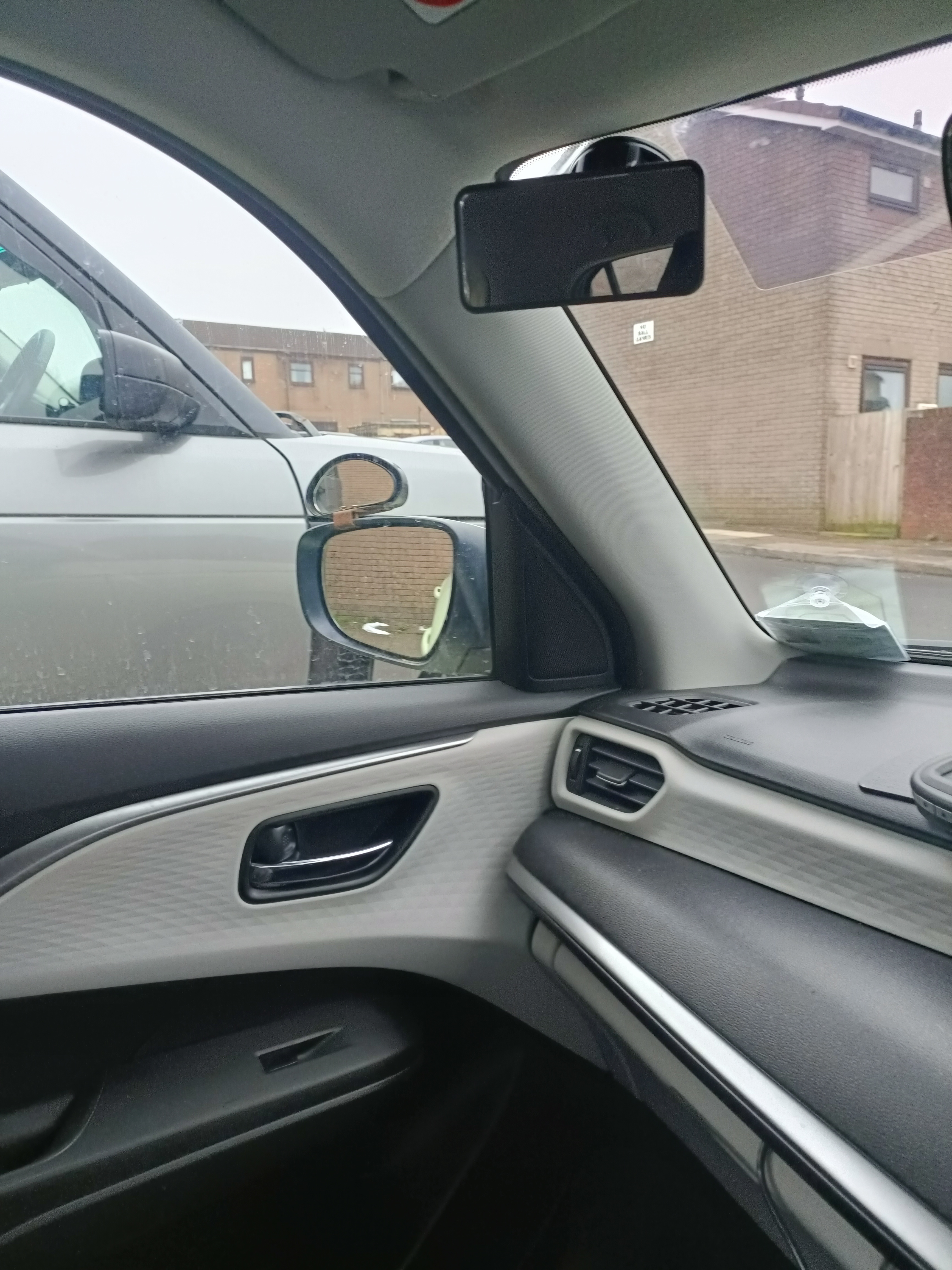
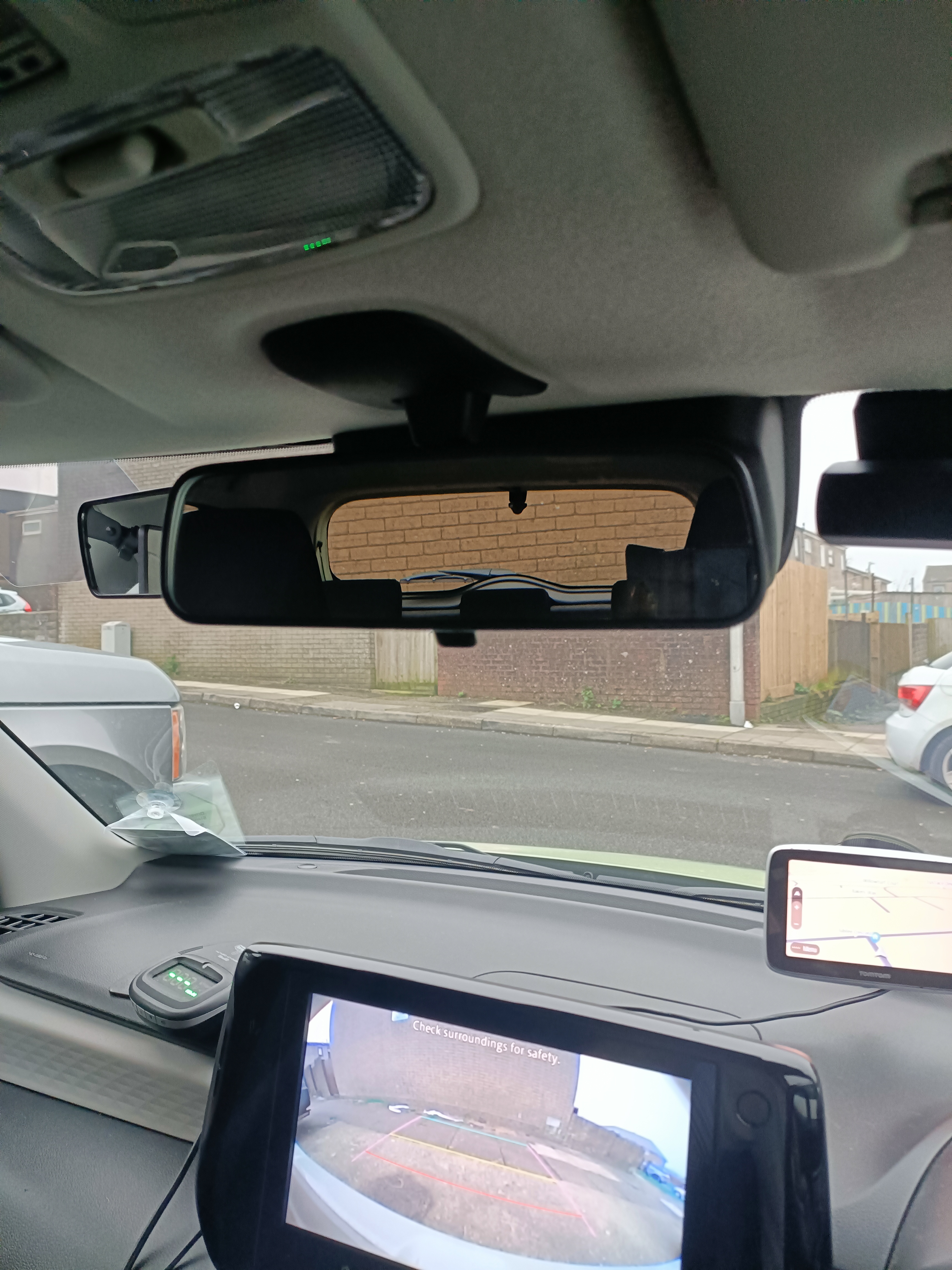
Mirrors – Adjust your mirrors for a clear view behind and to the sides.
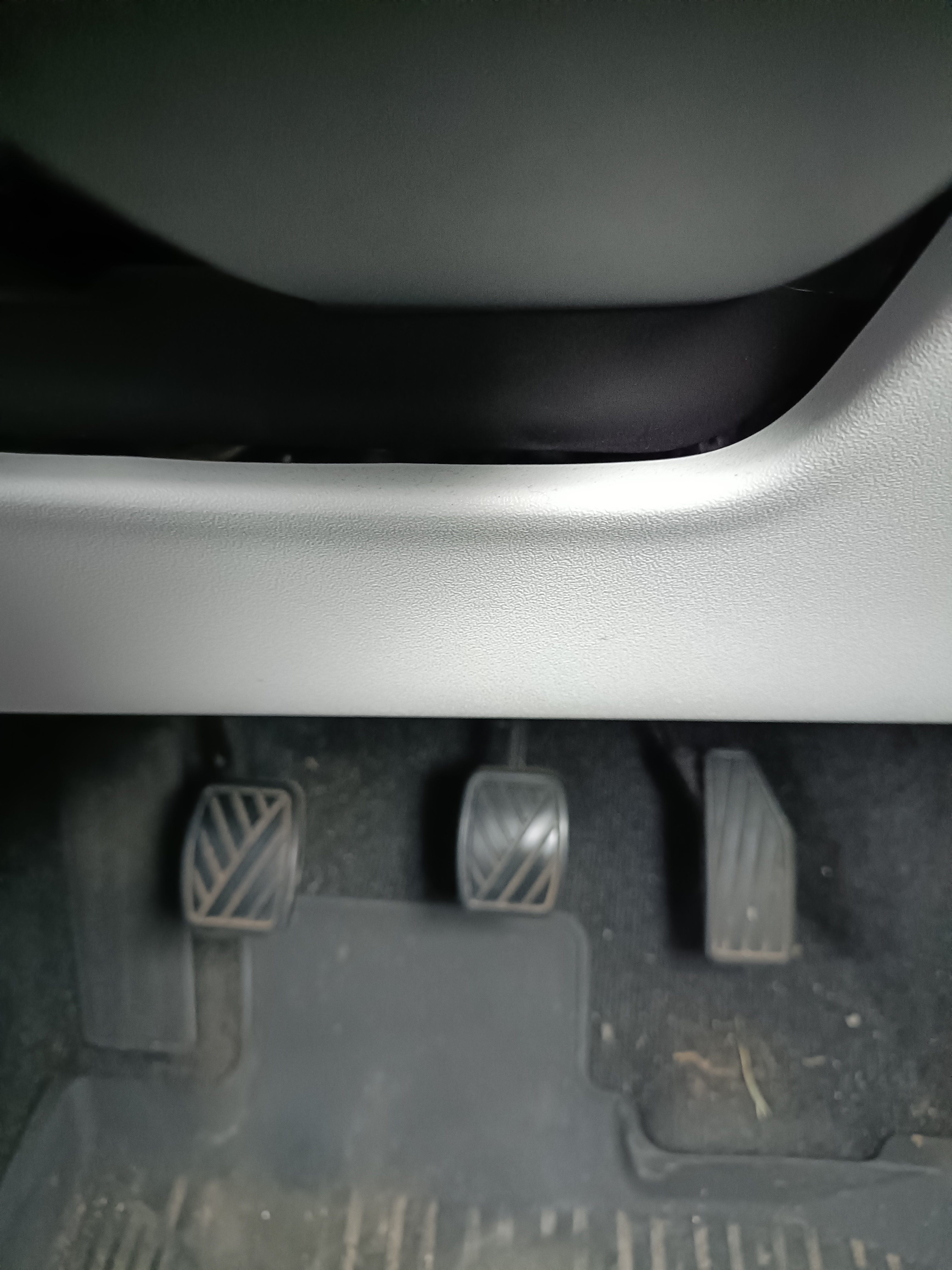
2. Understanding the pedals (A.B.C.)
Your car has three pedals:
Accelerator (right)
Controls your speed. Press gently and progressively.
Brake (middle)
Slows the car down. Smooth, controlled pressure is key.
Clutch (left)
Used for changing gear, stopping smoothly, and controlling the car at low speeds.
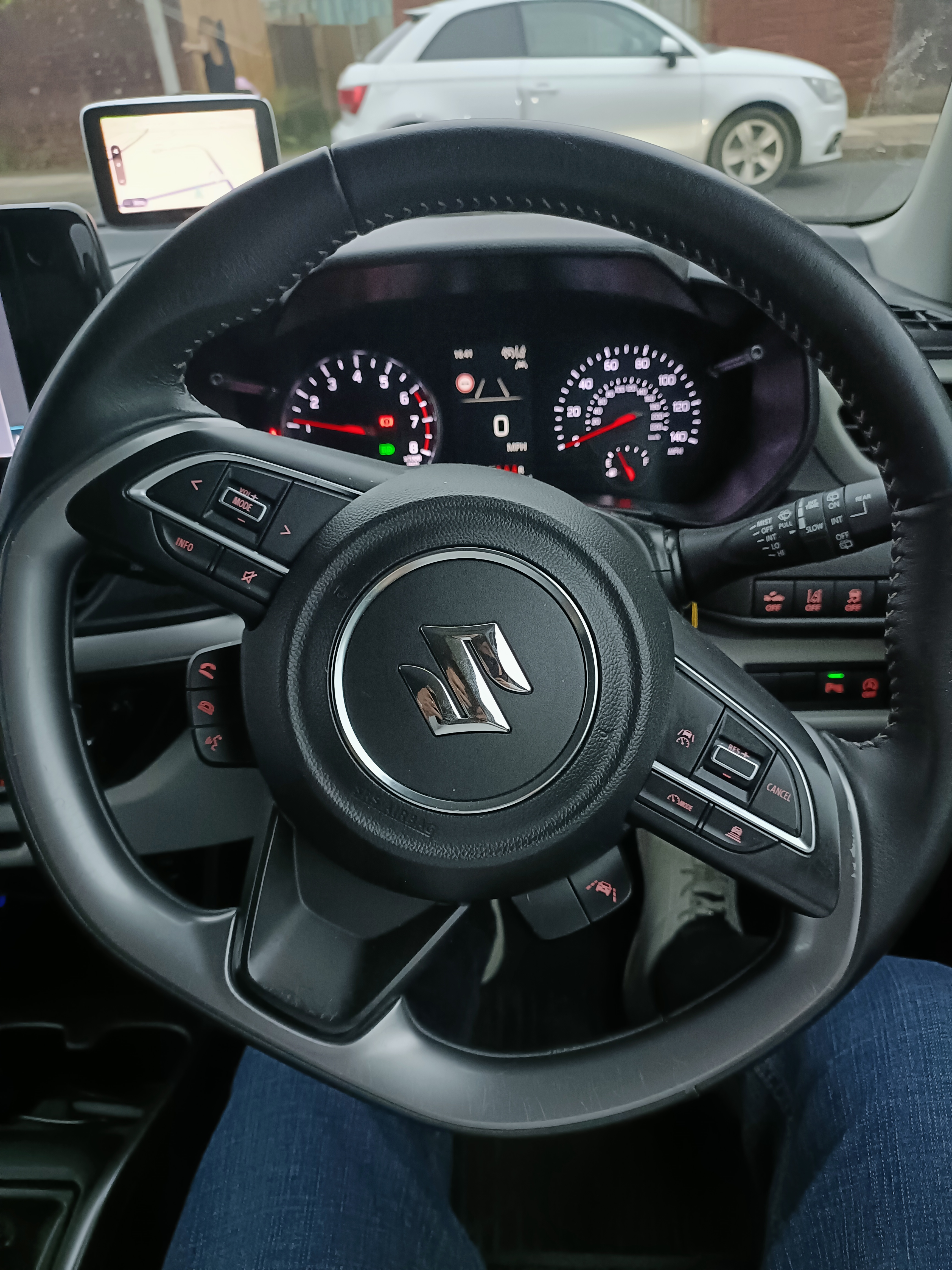
3. The dashboard and warning lights
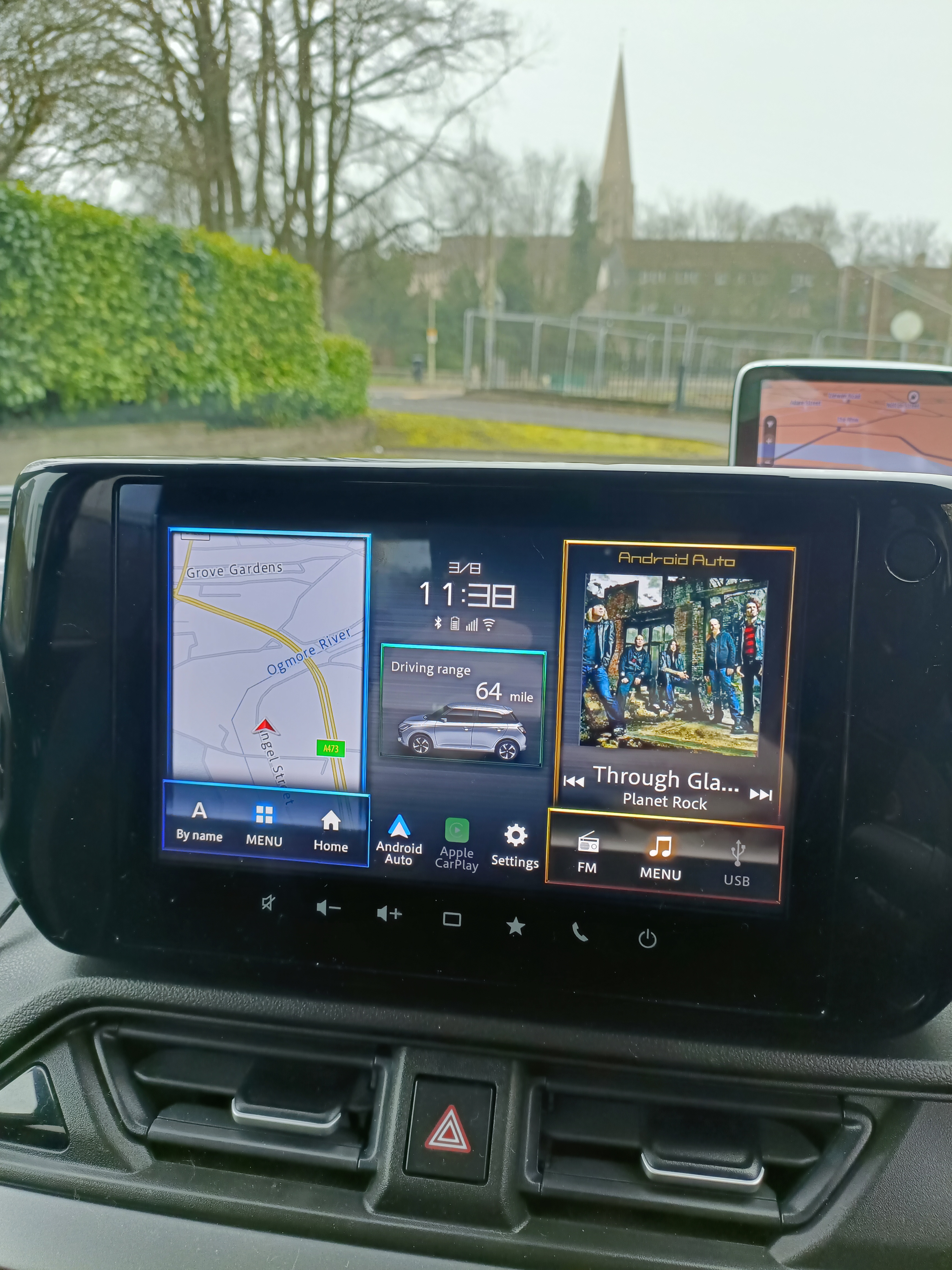
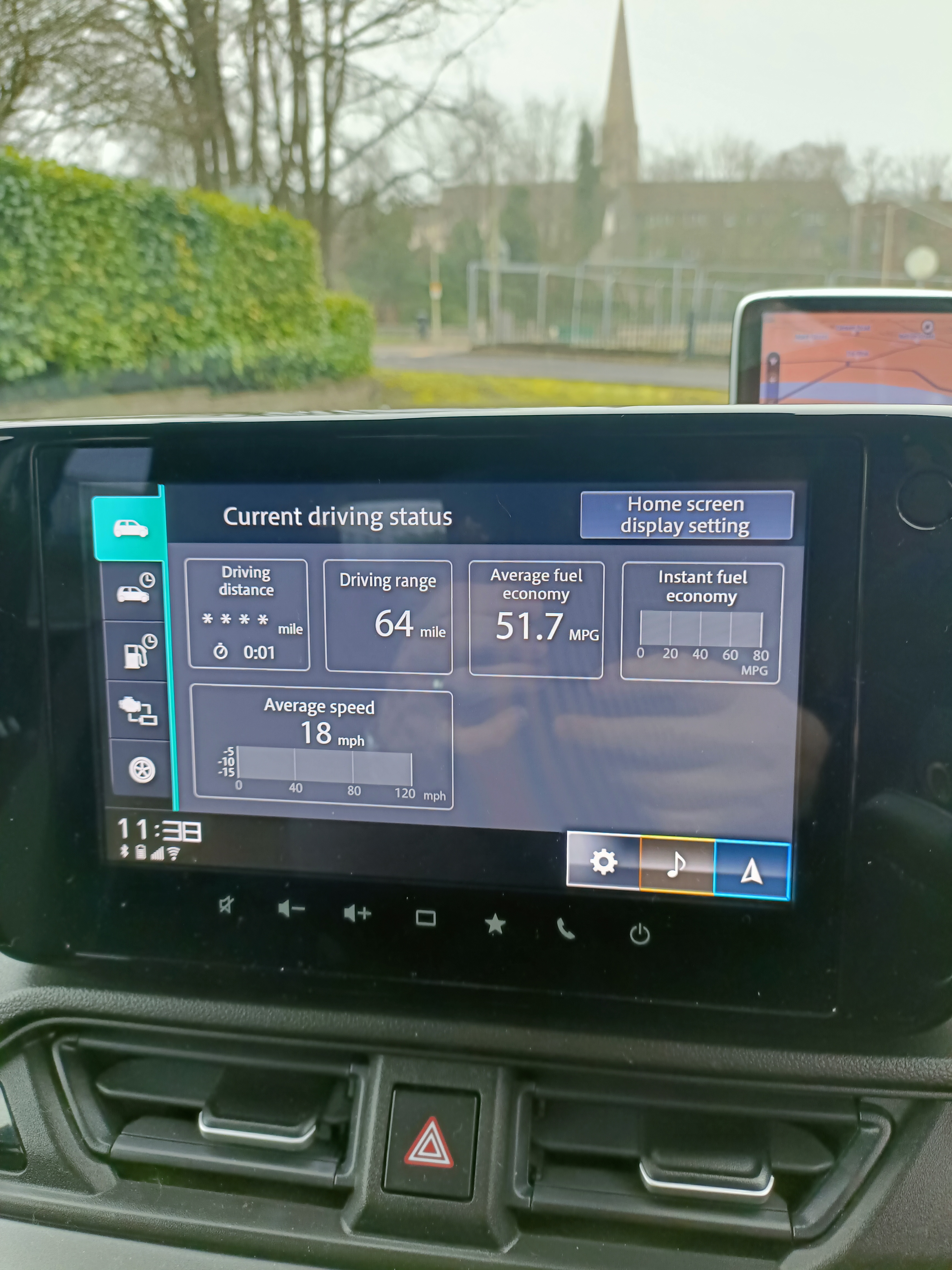
Your dashboard displays important information such as:
- Speed
- Fuel level
- Engine temperature
- Warning lights
- Indicators
- Driving status information
Some of these may appear during the "Show Me, Tell Me” questions on the driving test.
4. Mirrors and observation
Good mirror use is essential for safe driving. You’ll learn the correct routines:
Mirror – Signal – Manoeuvre (MSM)
and
Mirror – Signal – Position – Speed – Look (MSPSL)
You’ll use your mirrors for:
- Changing direction
- Changing lanes
- Overtaking parked cars
- Approaching hazards
- Manoeuvres
5. Steering controls
Modern cars use power steering, making it easier to control the vehicle. You’ll learn:
- How to hold the wheel correctly
- How to steer smoothly
- How to control the car at low speeds
- How to steer during manoeuvres
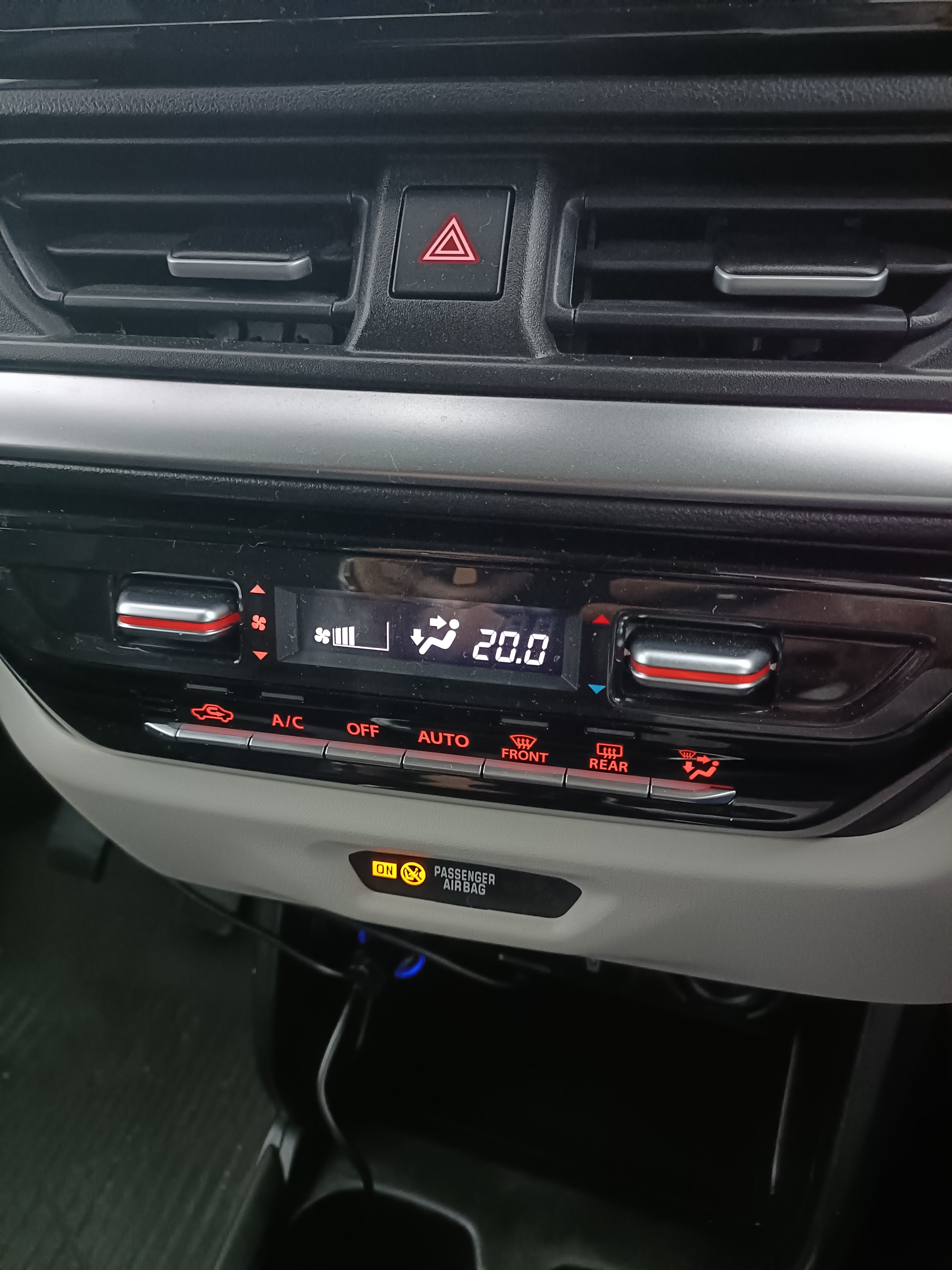
6. The centre console and control panel
The centre console contains important controls such as:
- Heating and ventilation
- Rear demister
- Front demister
- Hazard warning lights
- Air conditioning
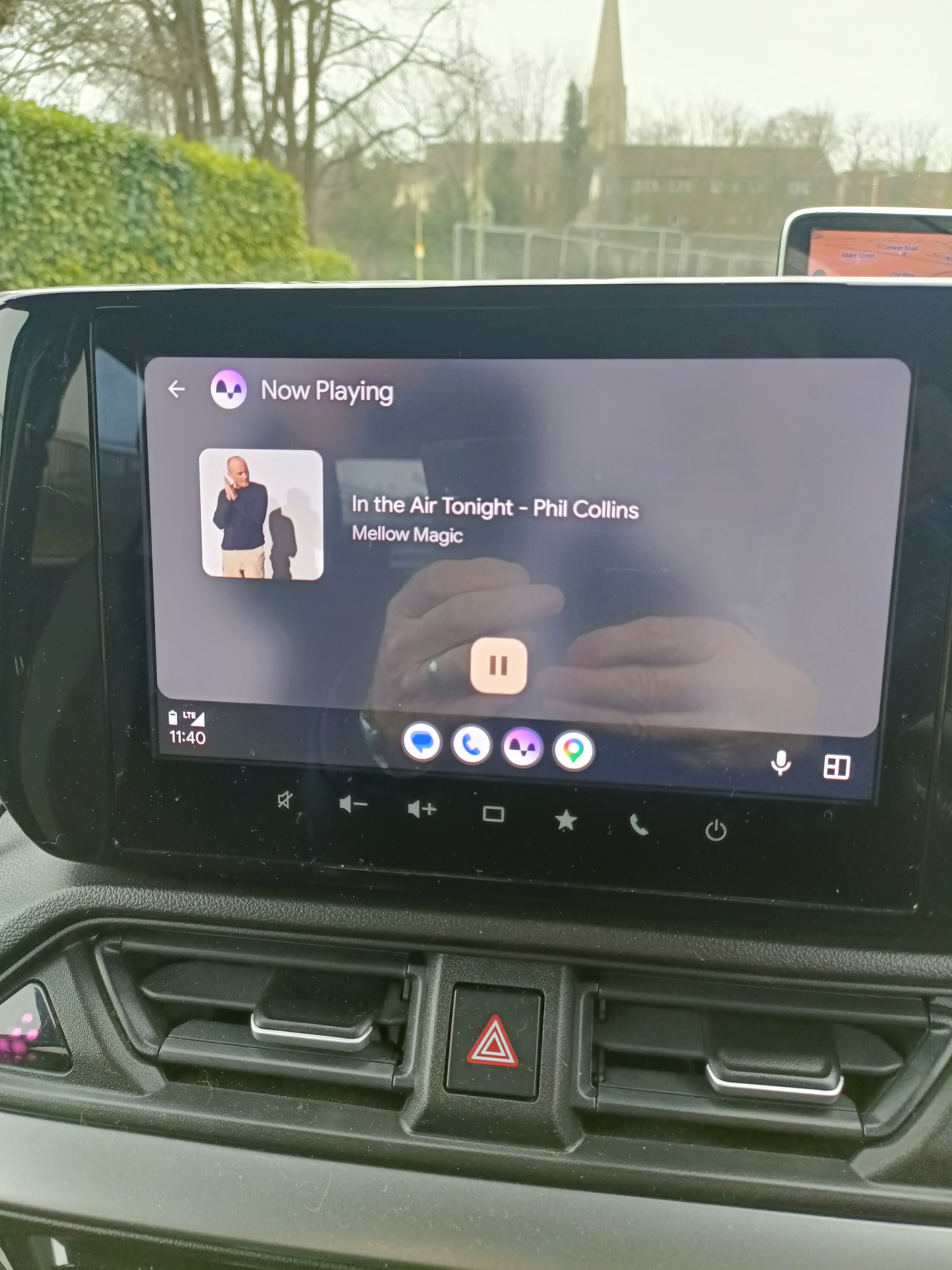
- Radio and media controls
These may be included in the “Show Me” questions during your driving test.
7. Sat nav and route guidance
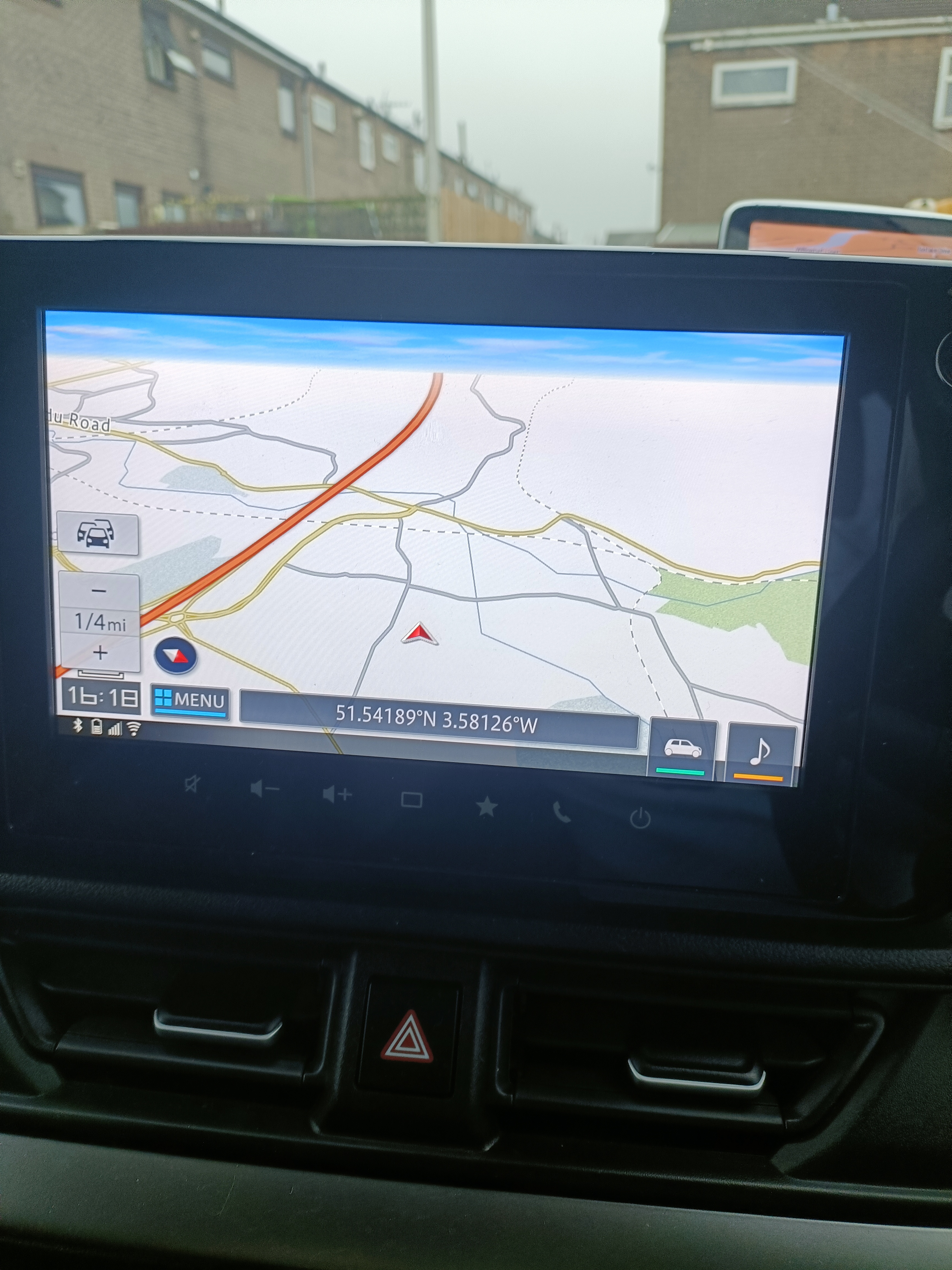
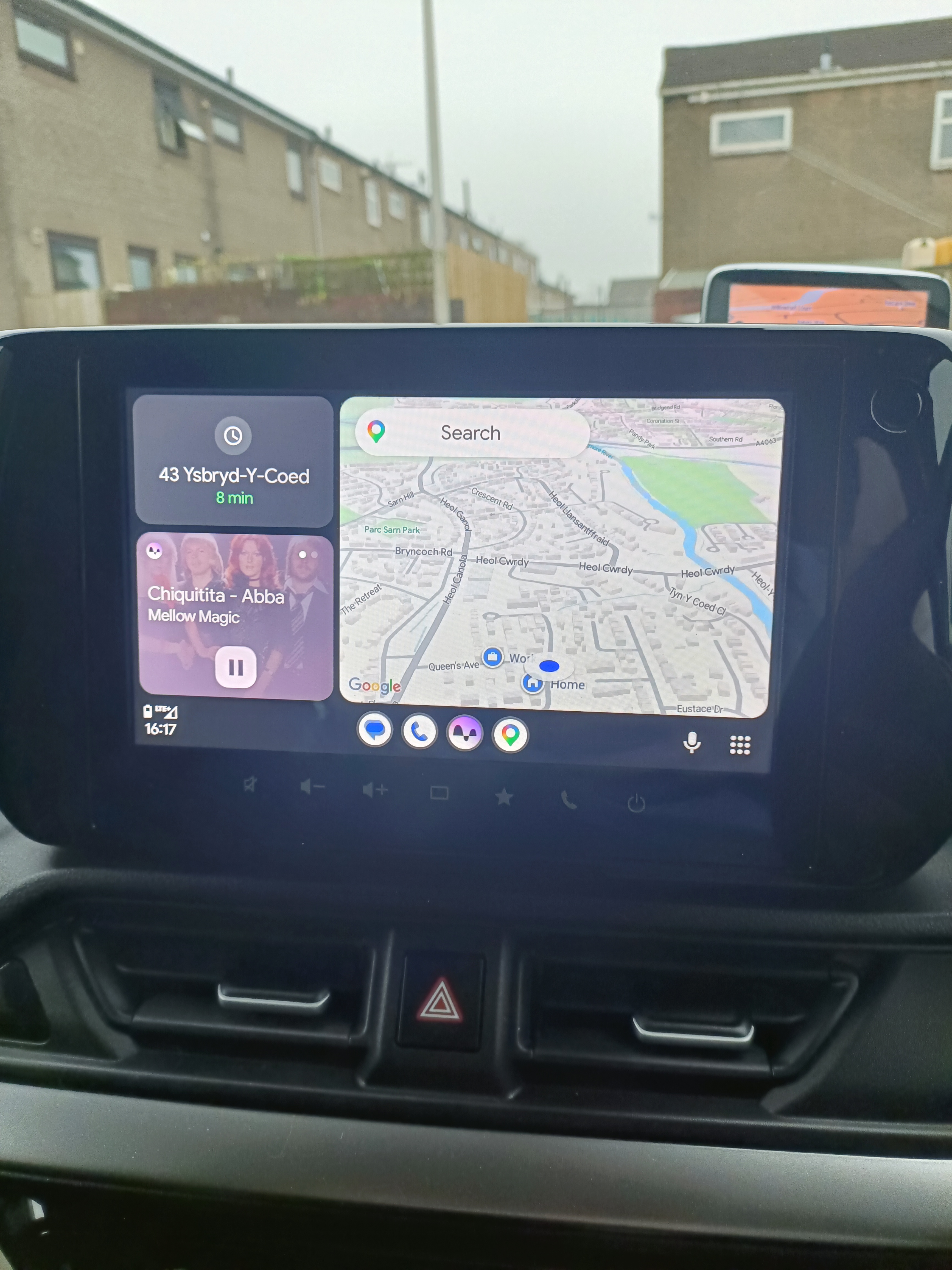
Most driving tests now include following directions from a sat nav. The examiner will set the route for you.
You’ll learn how to:
- Follow sat nav instructions safely during your practical driving test
- Avoid staring at the screen
- Maintain lane discipline
- Prioritise road signs over the sat nav if needed
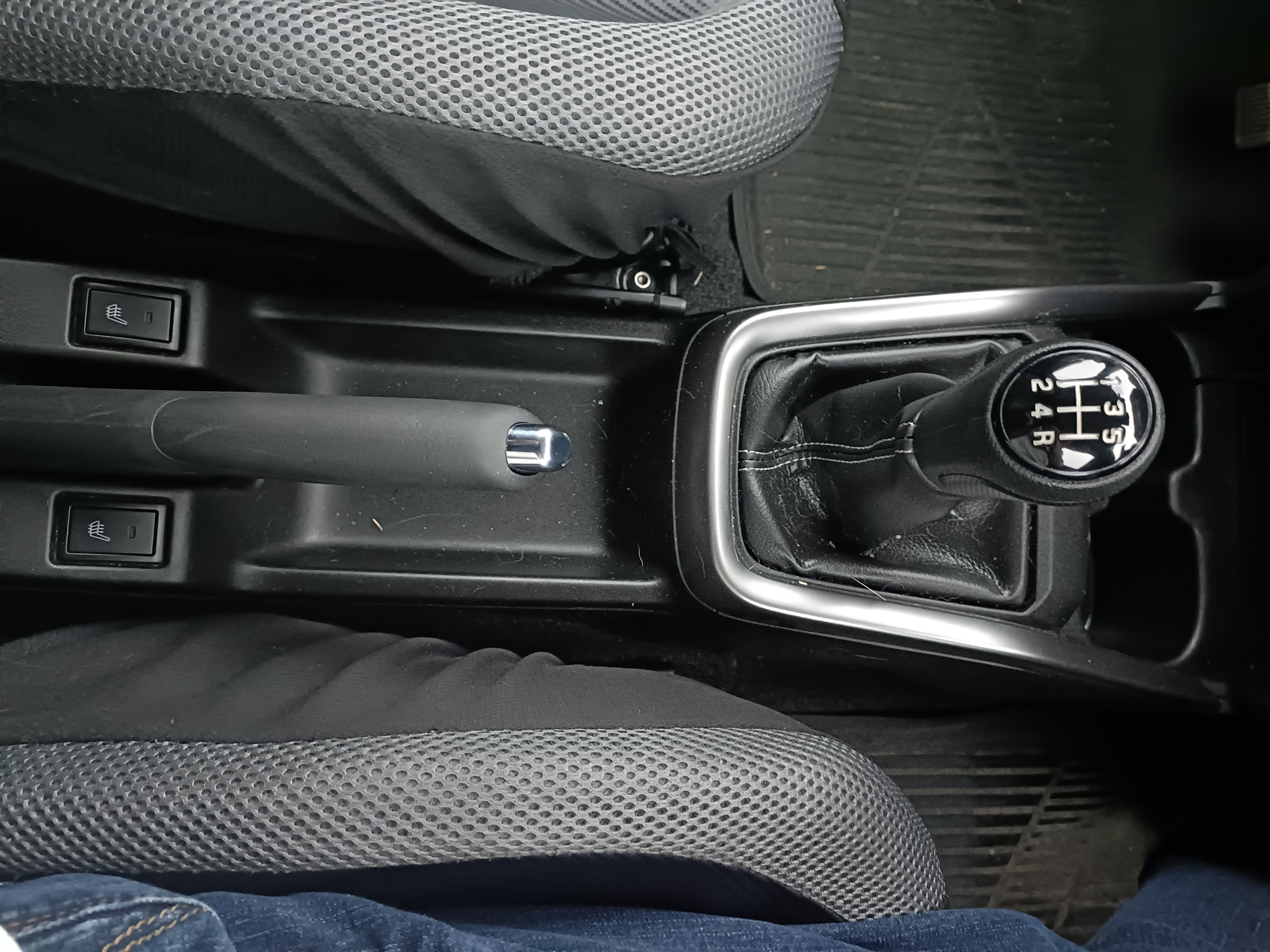
8. Handbrake and gear lever
You’ll learn how to use:
Handbrake
Used for securing the car when parked, during hill starts, and in some manoeuvres.
Gear lever
Used to select the correct gear for speed and road conditions. You’ll learn smooth gear changes and clutch control.
9. Indicators and signal control
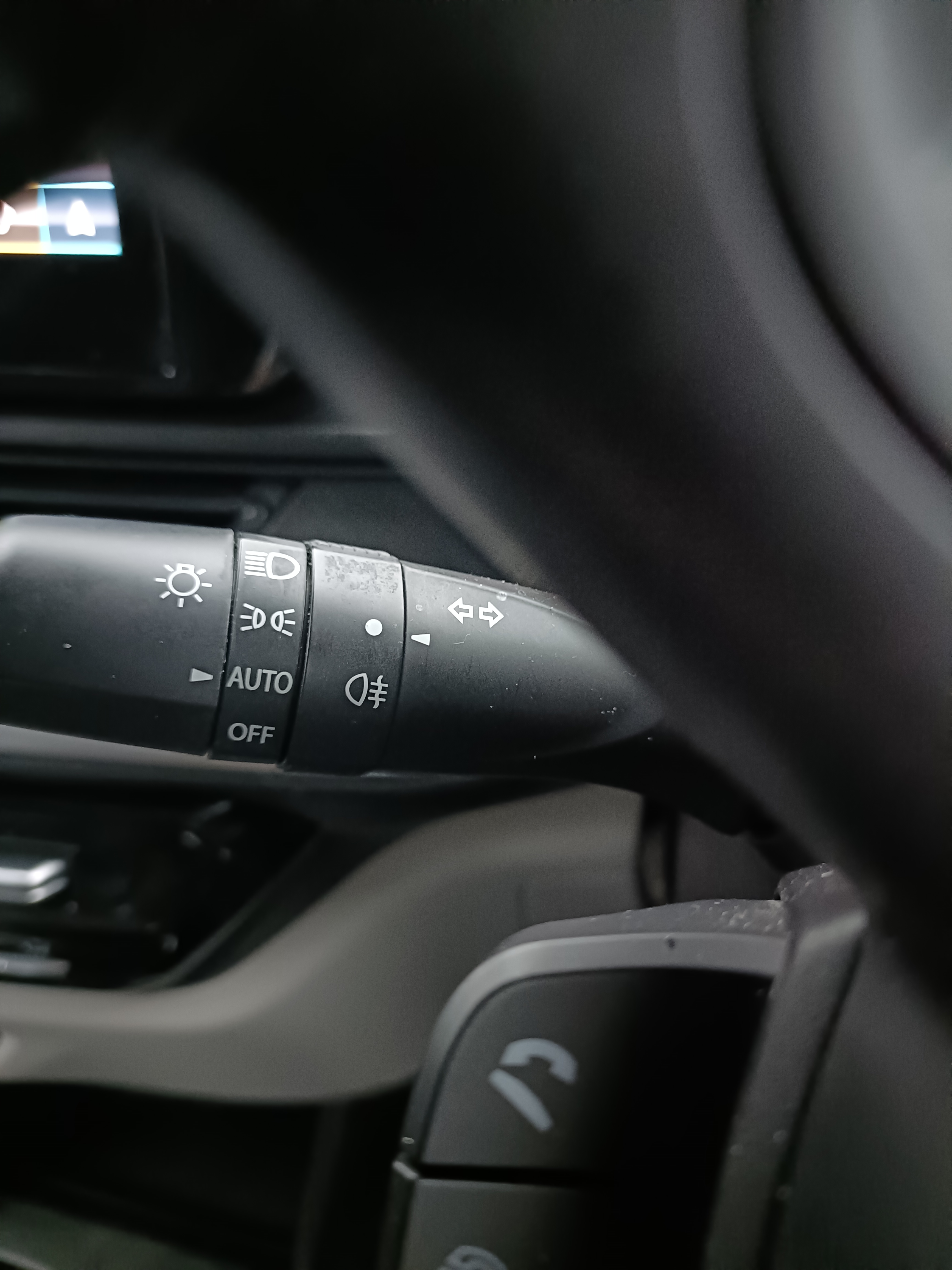
Indicators are used to show other road users what you intend to do. You’ll learn:
- When to signal
- When not to signal
- How to avoid signalling too early or too late
- How to cancel signals correctly

10. Show Me, Tell Me questions
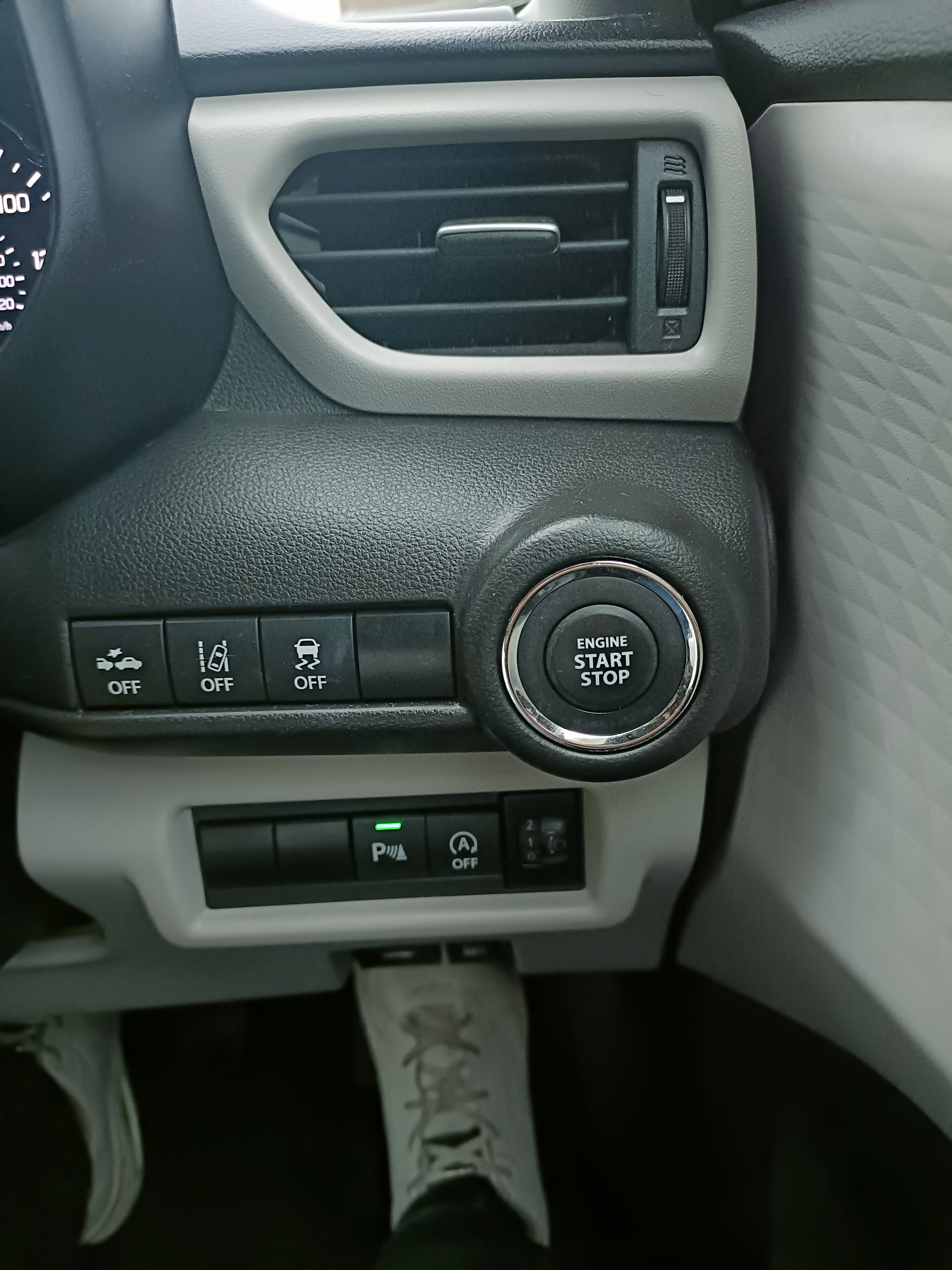
During your driving test, the examiner will ask:
• One “Tell Me” question before you start driving
• One “Show Me” question while you’re driving
These may include:
• How to check headlights
• How to use the demisters
• How to wash the windscreen
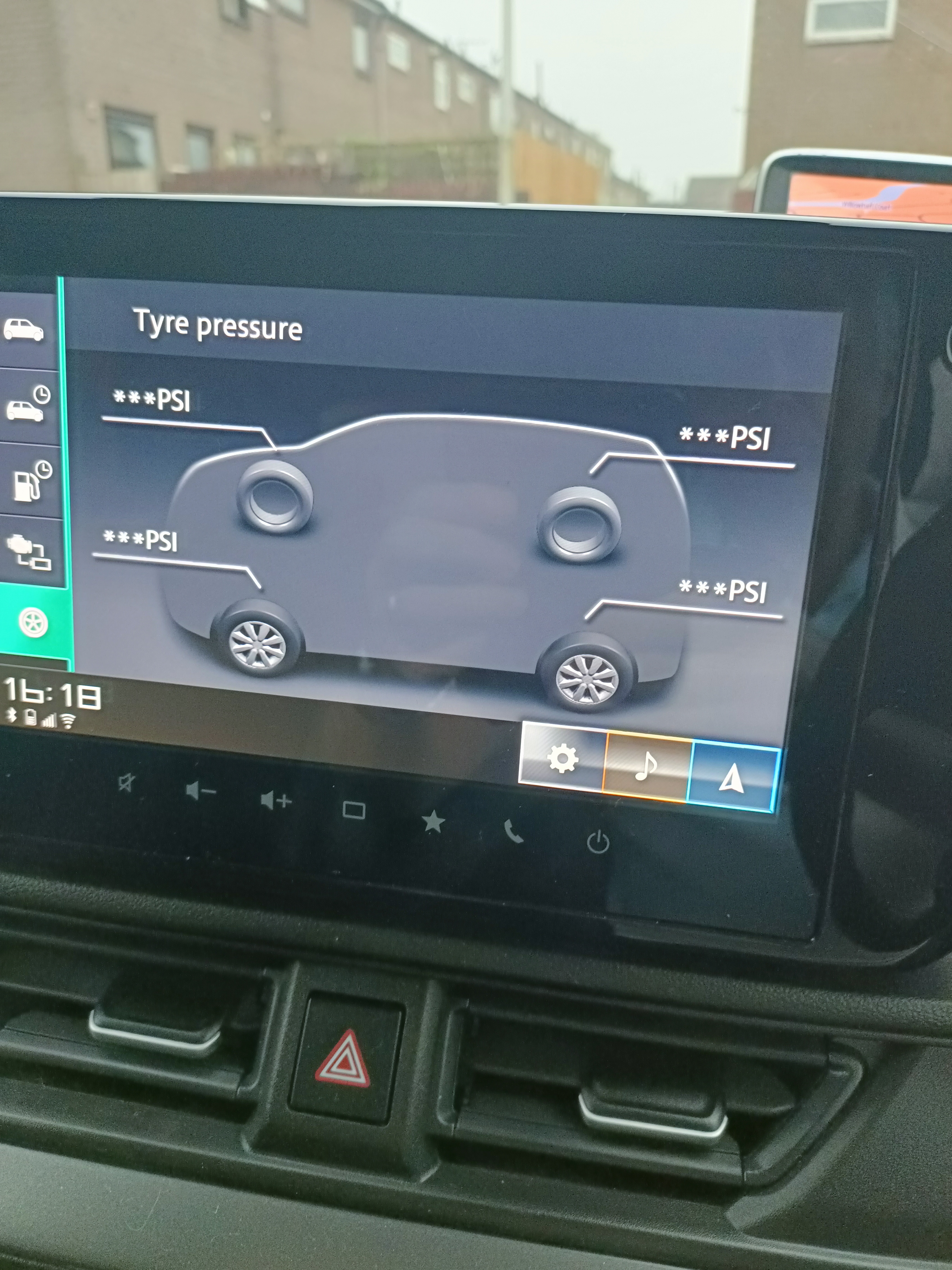
• How to check tyre pressures
• How to check the brakes
11. Learn with a fully equipped training vehicle
The Driving Safe School of Motoring training car is fitted with:
- Dual controls
- Clear dashboard layout
- Modern safety features
- Sat nav for test preparation
- Comfortable seating and visibility
This ensures learners feel confident and supported from their very first lesson.